|
|
|||
|
||||
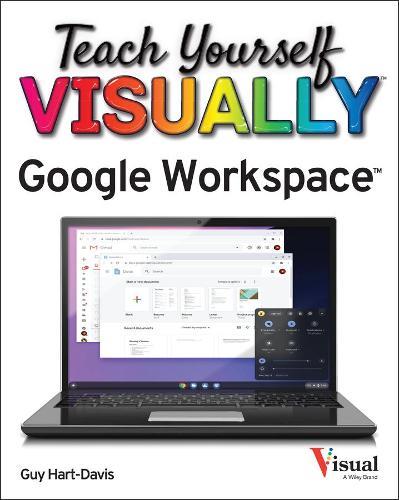
OverviewMaster the ins and outs of Google's free-to-use office and productivity software Teach Yourself VISUALLY Google Workspace delivers the ultimate guide to getting the most out of Google's Workspace cloud software. Accomplished author Guy Hart-Davis offers readers the ability to tackle a huge number of everyday productivity problems with Google's intuitive collection of online tools. With over 700 full-color screenshots included to help you learn, you'll discover how to: Manage your online Google Calendar Master the files and folders in your Google Drive storage Customize your folders and navigate your Gmail account Create perfect spreadsheets, presentations, and documents in Google Sheets, Slides, and Docs Perfect for anyone who hopes to make sense of Google's highly practical and free online suite of tools, Teach Yourself VISUALLY Google Workspace also belongs on the bookshelves of those who already find themselves using Workspace and just want to get more out of it. Full Product DetailsAuthor: Guy Hart-DavisPublisher: John Wiley & Sons Inc Imprint: Visual Dimensions: Width: 18.30cm , Height: 1.80cm , Length: 22.90cm Weight: 0.771kg ISBN: 9781119763277ISBN 10: 1119763274 Pages: 384 Publication Date: 24 June 2021 Audience: Professional and scholarly , Professional & Vocational Format: Paperback Publisher's Status: Active Availability: Out of stock The supplier is temporarily out of stock of this item. It will be ordered for you on backorder and shipped when it becomes available. Table of ContentsReviewsAuthor InformationGUY HART-DAVIS is the author of more than 100 computing books, including Teach Yourself VISUALLY Chromebook, Teach Yourself VISUALLY MacBook Pro and MacBook Air, and Teach Yourself VISUALLY iPhone. Tab Content 6Author Website:Countries AvailableAll regions |
||||