|
|
|||
|
||||
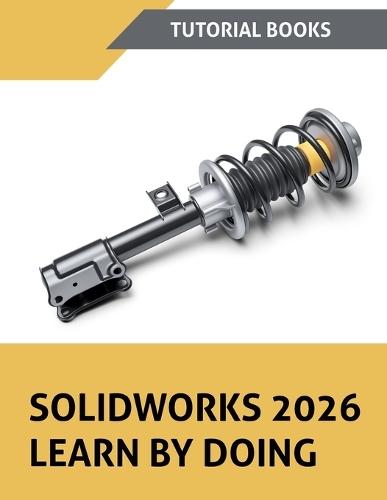
OverviewGetting started with SOLIDWORKS is straightforward when you follow the right sequence. This book provides step-by-step tutorials that cover the full range of SOLIDWORKS tools, from basic sketching to advanced surface modeling and simulation. You learn to: Model parts using extrudes, revolves, lofts, sweeps, shells, and patterns Build assemblies with mates, sub-assemblies, and exploded views Create engineering drawings with sections, BOMs, balloons, and annotations Design sheet metal parts with flanges, bends, and forming tools Work with surfaces, mold tools, and weldment structures Apply GD&T annotations using MBD dimensions and DimXpert Run basic stress analysis using SimulationXpress Prepare for CSWA and CSWPA certification with included sample questions You start with the interface and sketching, then work through part modeling and assemblies. Later chapters cover surface design (28 tutorials), mold tools, weldments, appearances, rendering, and simulation. Each chapter uses tutorials that follow a clear sequence from start to finish. The book is written for engineering students and working professionals who need one complete resource for SOLIDWORKS 3D modeling and CAD design. Order now and start working through the tutorials today. Full Product DetailsAuthor: Tutorial BooksPublisher: Kishore Imprint: Kishore Dimensions: Width: 21.60cm , Height: 2.10cm , Length: 27.90cm Weight: 0.930kg ISBN: 9788199428997ISBN 10: 8199428996 Pages: 404 Publication Date: 04 March 2026 Audience: General/trade , General Format: Paperback Publisher's Status: Active Availability: Available To Order We have confirmation that this item is in stock with the supplier. It will be ordered in for you and dispatched immediately. Table of ContentsReviewsAuthor InformationTab Content 6Author Website:Countries AvailableAll regions |
||||