|
|
|||
|
||||
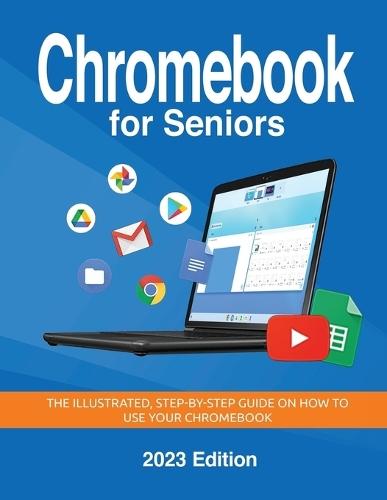
OverviewStep into the digital age with confidence! Chromebook for Seniors by Kevin Wilson is the perfect companion for seniors and beginners eager to master Google's Chromebook and Chrome OS. This 2023 Edition is packed with clear, step-by-step instructions, practical tips, and helpful illustrations designed to make learning Chromebooks a breeze. What You'll Learn: Effortless Setup: Get started quickly with step-by-step instructions for setting up your Chromebook, creating a Google account, and connecting to Wi-Fi and Bluetooth devices. Navigate with Ease: Learn how to use Chrome OS, manage files, customize settings, and personalize your device. Stay Connected: Master email, video calls, and social media to connect with family and friends. Explore Entertainment: Stream videos, music, and photos with apps like YouTube, Spotify, and Google Photos. Maintain Your Chromebook: Keep your device secure and running smoothly with tips on updates, troubleshooting, and backups. Perfect for Seniors and Beginners: With large fonts, simple language, and visual guidance, this book ensures a stress-free learning experience tailored to your needs. Take charge of your Chromebook today with Chromebook for Seniors (2023 Edition)! Full Product DetailsAuthor: Kevin WilsonPublisher: Elluminet Press Imprint: Elluminet Press Edition: Large type / large print edition Volume: 3 Dimensions: Width: 21.60cm , Height: 2.00cm , Length: 27.90cm Weight: 0.880kg ISBN: 9781068561337ISBN 10: 1068561335 Pages: 380 Publication Date: 27 November 2024 Audience: General/trade , General Format: Paperback Publisher's Status: Active Availability: Available To Order We have confirmation that this item is in stock with the supplier. It will be ordered in for you and dispatched immediately. Table of ContentsReviewsAuthor InformationTab Content 6Author Website:Countries AvailableAll regions |
||||