|
|
|||
|
||||
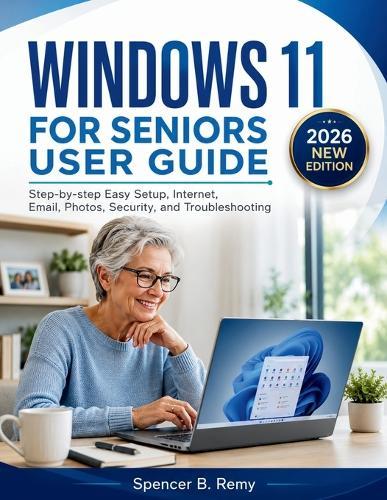
OverviewWINDOWS 11 FOR SENIORS USER GUIDE is a practical guide created for older adults who want to use Windows 11 with less confusion. It explains everyday computer tasks in clear steps, using simple language that is easy to follow. Whether you are setting up a new computer, learning the Start menu, managing files, browsing the internet, or adjusting settings, this book gives you a steady path to follow. Inside WINDOWS 11 FOR SENIORS USER GUIDE, you will learn how to move around the desktop, use built-in apps, connect to Wi-Fi, protect your computer, and solve common problems without feeling rushed. This book helps you: - Set up and personalize Windows 11 - Use the Start menu, taskbar, and desktop - Create, save, find, and organize files - Browse the internet safely - Send emails and manage basic communication - Adjust text size, sound, display, and accessibility settings - Connect Wi-Fi, printers, and other devices - Use Microsoft Store, Photos, and other built-in apps - Keep the computer updated and secure - Fix simple issues without needing advanced skills Get WINDOWS 11 FOR SENIORS USER GUIDE today and keep a clear reference beside you as you learn Windows 11 step by step. Full Product DetailsAuthor: Spencer B RemyPublisher: Independently Published Imprint: Independently Published Dimensions: Width: 21.60cm , Height: 0.40cm , Length: 27.90cm Weight: 0.204kg ISBN: 9798196784712Pages: 78 Publication Date: 13 May 2026 Audience: General/trade , General Format: Paperback Publisher's Status: Active Availability: Available To Order We have confirmation that this item is in stock with the supplier. It will be ordered in for you and dispatched immediately. Table of ContentsReviewsAuthor InformationTab Content 6Author Website:Countries AvailableAll regions |
||||